

Kling 3

Generate Dynamic AI Videos with Kling 3
Kling 3 comes from Kuaishou's video AI lab and has one clear strength: physical realism. Cloth ripples correctly, water splashes with weight, and human motion walking, jumping, dancing stays anatomically believable across the whole clip. It is also strong at image to video: upload a photo and Kling 3 brings it to life while keeping the subject consistent.


Physics That Hold Up
Objects have weight, momentum carries through, collisions look real. Kling 3 is the model to reach for when your prompt involves action, sports, water, fire, or anything that has to move like the real world.
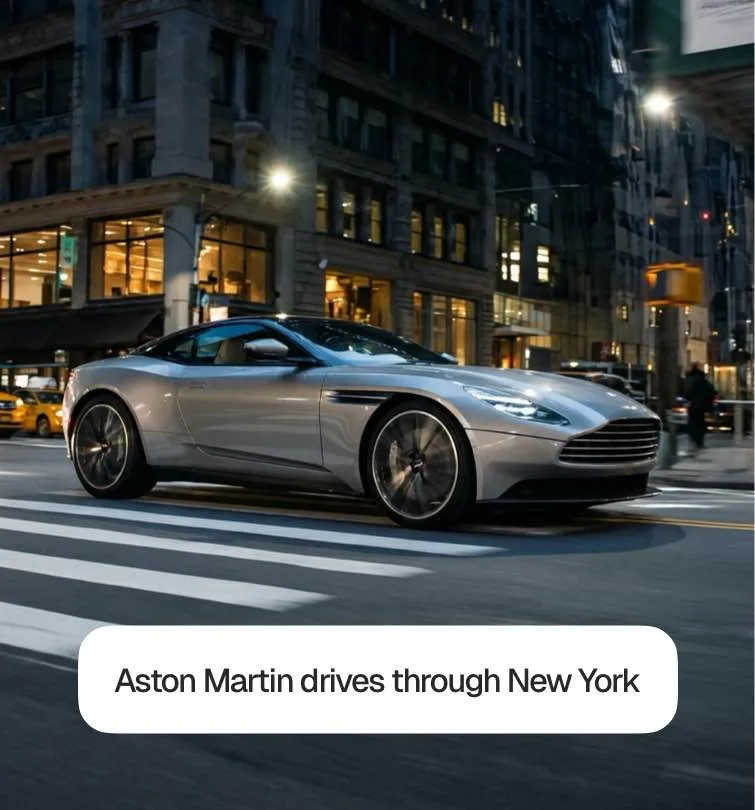

Image to Video
Start from a still image a product shot, a character design, a photo and Kling 3 animates it while preserving the subject's identity, proportions, and details throughout the clip.
Consistent Characters in Motion
Faces and bodies stay stable even through fast, complex movement. That makes Kling 3 a strong choice for character-driven clips where the same person appears across an entire scene.

What Can You Create with Kling 3?

Product Animation
Turn a single product photo into a moving shot: liquid pouring, fabric flowing, a device rotating under studio light with the product staying pixel-faithful.

Character Performances
Animate a character from one reference image through an entire scene walking, reacting, emoting without the face drifting between frames.
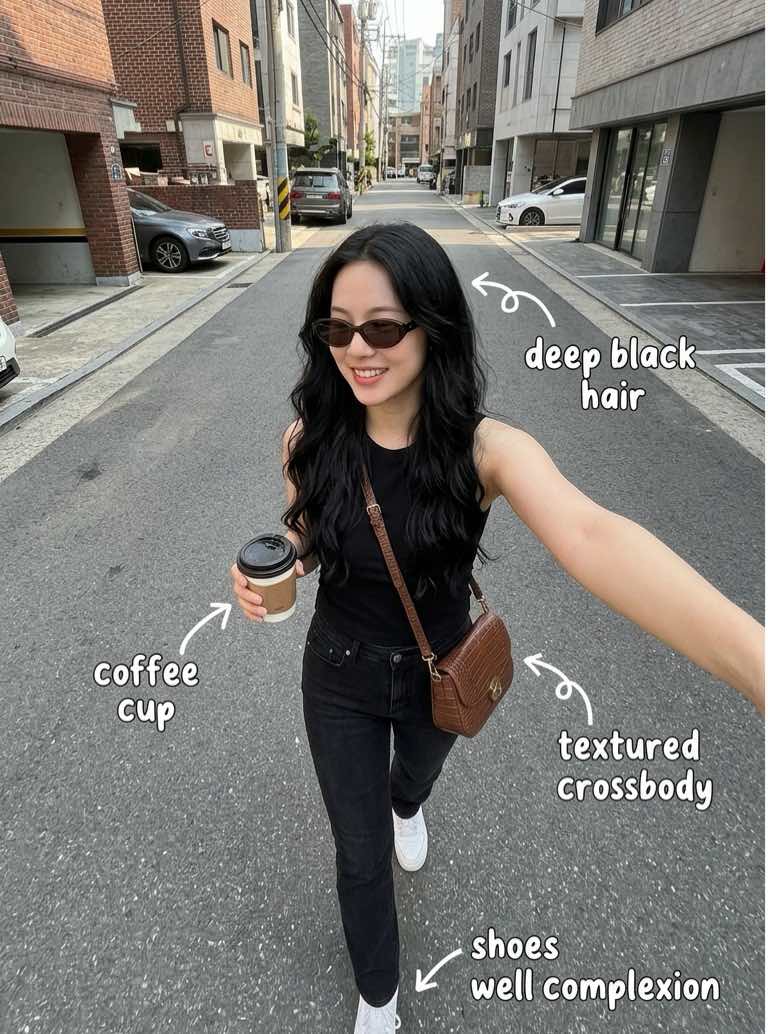
Action & Sports Clips
Sprints, jumps, skate tricks, martial arts Kling 3 keeps fast body movement fluid and anatomically correct where other models fall apart.
How Kling 3 AI Video Generation Works
Enter your prompt
Start from a text prompt or upload an image to animate.
Kling 3 creates your video
Kling 3 generates the clip with physically accurate motion.
Customize your results
Iterate on movement, speed, and camera until it feels right.
Export your video
Export your video and drop it straight into your edit.
Start Creating Kling 3 Videos Today

Frequently asked questions

Kling 3 specializes in physical realism and image-to-video. Veo 3 specializes in native audio and cinematic direction. Action scene -> Kling 3. Scene with dialogue or sound -> Veo 3.
Yes, image to video is one of Kling 3's core strengths. Upload a photo, describe the motion you want, and the model animates it while keeping the subject consistent.
Very. Human motion is where Kling 3 shines: walking, dancing, sports, and gestures stay natural and anatomically correct, and faces remain stable across the clip.
Focus on motion: describe what moves, how fast, and in which direction. "A skateboarder ollies over a rail, camera tracking from the side, slow motion on landing" gives Kling 3 exactly what it is built for.
Costs depend on length and resolution and are shown before you generate. The Pro plan includes 300 credits per month, Max includes 2,000.
Discover More AI Video Tools
Explore more ways to create videos with our AI video generator. From text-to-video to advanced AI tools, discover features that help you create content faster and smarter.