

Veo 3

Generate Realistic AI Videos with Veo 3
Veo 3 is Google DeepMind's video generation model and the first on LUHM AI that generates sound natively. Instead of adding music afterwards, Veo 3 creates speech, ambient noise, and sound effects in sync with the footage. Combined with strong prompt adherence and film-like lighting, it is the model to pick when your clip needs to feel like a finished production, not a silent animation.


Text to Video - With Sound
Describe a scene and Veo 3 renders it complete with audio: a character speaking their line, rain hitting a window, traffic humming in the background. No separate sound design step needed.
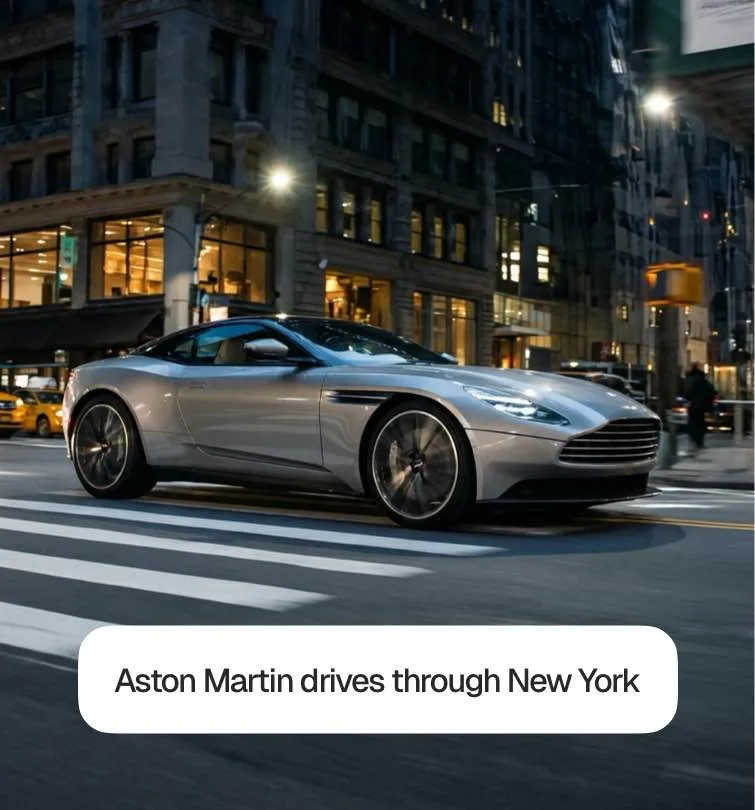

Precise Prompt Adherence
Veo 3 follows detailed direction unusually well. Specify the camera move ("slow dolly-in"), the lighting ("golden hour, backlit"), and the mood and the output matches what you wrote instead of drifting into something generic.
Cinematic Lighting & Detail
Skin texture, reflections, depth of field: Veo 3 excels at the small details that separate an obvious AI clip from footage people believe. Ideal for premium brand content and film-style scenes.

What Can You Create with Veo 3?

Sound Driven Ads
Product ads where the audio sells: a can cracking open, an engine starting, a crowd cheering. Veo 3 generates the sound and the shot as one.

Dialogue Scenes
Create talking characters with lip-synced speech generated directly by the model interviews, spokesperson clips, and mini scenes with real dialogue.
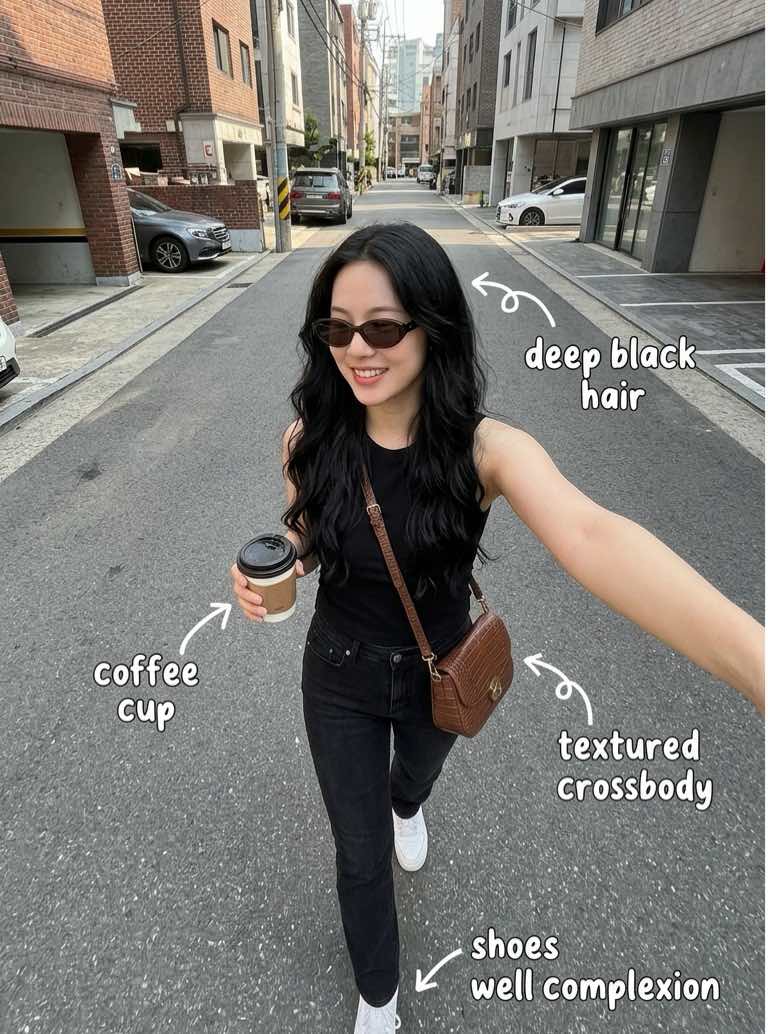
Film Style Shorts
Short cinematic sequences with natural lighting, believable physics, and a soundtrack of ambient audio ready to cut into trailers and shorts.
How Veo 3 AI Video Generation Works
Enter your prompt
Describe your scene include camera, lighting, and any dialogue you want spoken.
Veo 3 creates your video
Veo 3 generates video and audio together in one pass.
Customize your results
Refine your prompt to adjust pacing, sound, or style.
Export your video
Download your clip with sound baked in ready to publish.
Start Creating Veo 3 Videos Today

Frequently asked questions

Yes this is Veo 3's signature feature. Dialogue, sound effects, and ambient audio are generated natively together with the video, in sync with the visuals.
Pick Veo 3 when sound matters or when you need precise control over camera and lighting. For physics-heavy motion, Kling 3 is often the better pick; for long single-shot clips, try Seedance 2.5.
Yes. Include the dialogue in your prompt (e.g. a woman says: "Welcome back!") and Veo 3 generates the speech with matching lip movement.
Write prompts like a director: name the shot type, camera movement, lighting, and mood. "Close-up, slow push-in, soft window light, melancholic" beats "a sad person" every time.
Credit usage depends on clip length and settings — you see the exact cost before you generate. Pro includes 300 credits, Max includes 2,000.
Discover More AI Video Tools
Explore more ways to create videos with our AI video generator. From text-to-video to advanced AI tools, discover features that help you create content faster and smarter.