

MiniMax H3

Generate 2K AI Videos with Sound Using MiniMax H3
MiniMax H3 reads text, images, video and audio as a single context instead of treating them as separate steps. Reference the camera movement from one clip, the character from an image, and the voice from an audio file, all in one sentence.
The result is a 4 to 15 second clip at up to 2K and 24fps, with dialogue, effects and room tone generated in the same pass as the picture. On independent Artificial Analysis benchmarks it ranks first in video editing and second in text-to-video.


Edit With a Sentence
Swap a product, rewrite signage, replace a line of dialogue, or relight a scene from day to night. Localized edits land exactly where you asked while the rest of the shot stays stable.
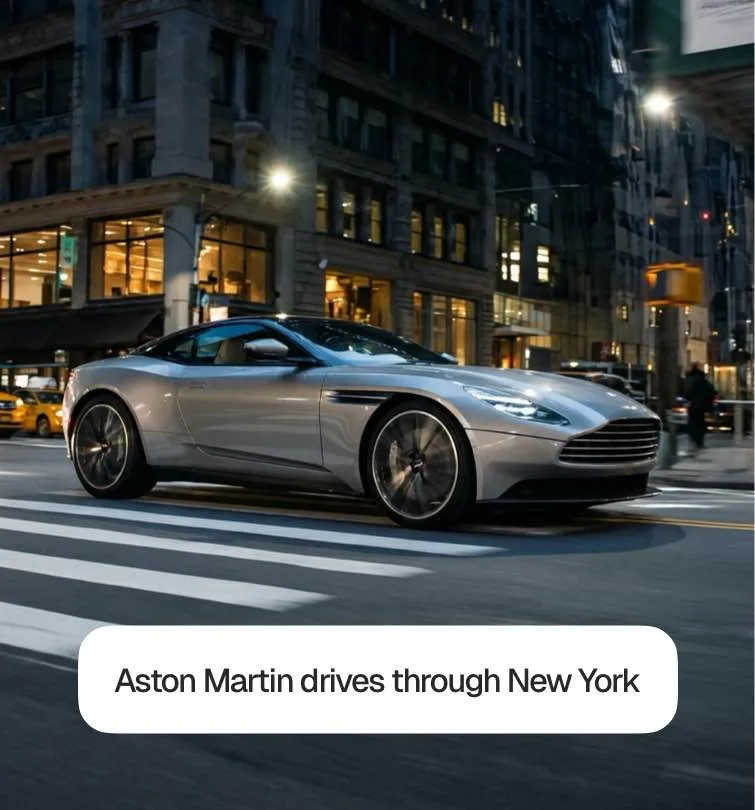

Native Stereo Audio
Dialogue, foley and ambience are generated with the picture, not bolted on afterwards, so the sound is timed to the cut instead of layered over it.
Mixed References in One Prompt
Pass up to 9 reference images, 3 video clips and 3 audio tracks together. H3 reads identity, motion, composition and soundscape from whatever you give it and carries all of it into one coherent result.

What Can You Create with MiniMax H3?

E-Commerce Videos
Drop in a product photo and get a listing video with accurate text and brand rendering, H3 is built for advertising, e-commerce and product design.

Motion Transfer
Give H3 a reference clip and it carries that camera movement or performance onto your own subject, keeping identity consistent.
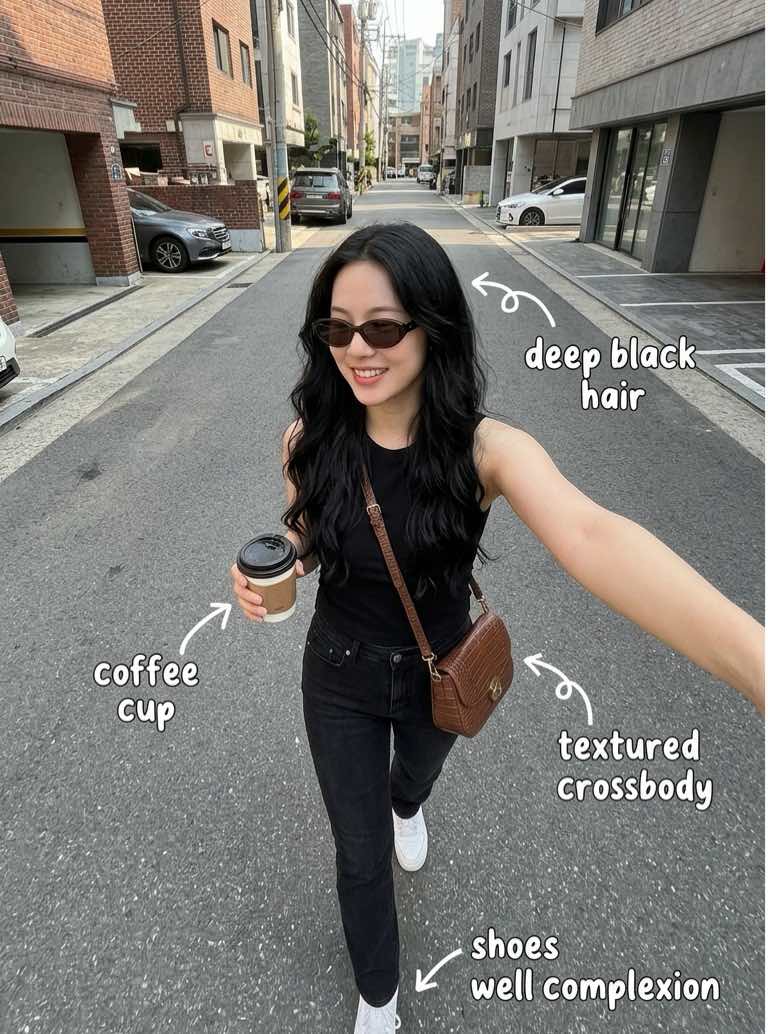
Ad Variants at Scale
Generate multiple versions of the same spot, different products, different signage, different voice-over, without re-shooting the concept.
How MiniMax H3 Video Generation Works
Write your brief
Describe the shot in one short brief: subject, action across the clip, camera, light, and the sound you want.
Attach your references
Add reference images, clips or audio and cite them in the prompt by order, "the camera move from Video 1, the character from Image 2".
Generate in 2K
H3 renders 4 to 15 seconds at up to 2K with native stereo audio in a single pass.
Refine with a sentence
Change a detail without re-rolling the whole shot, then export and publish.
Start Creating MiniMax H3 Videos Today

Frequently asked questions

Yes. MiniMax H3 is the official name; Hailuo 3.0, Hailuo 3 and Hailuo-03 all refer to the same model, named after MiniMax's Hailuo app. It follows Hailuo 2.3 in the same line.
Between 4 and 15 seconds, in whole seconds, at up to 2K resolution and 24fps.
Veo 3 also generates native audio, but H3's specialty is mixing references — images, video and audio in one prompt, plus sentence-level editing of an existing shot. Kling 3 remains the pick for pure physical motion realism.
Yes, either from a single opening frame, or by pairing a first and last frame to control the transition between two images.
Product and listing videos, ad variants, animated posters, film title sequences, website hero loops and character-consistent game cinematics, H3 is aimed at commercial content rather than experiments.
Discover More AI Video Tools
Explore more ways to create videos with our AI video generator. From text-to-video to advanced AI tools, discover features that help you create content faster and smarter.